A failed download? Work through this checklist before retrying
Most failures are the platform refusing access or a broken link, not a broken button. This checklist separates the two before you spend another attempt.
When a download fails, the instinct is to press the button again. That is worth doing once, because transient upstream errors are real. Beyond that, retrying the same request on the same network usually reproduces the same failure and can push you into a rate limit. The message on screen already tells you which stage failed, and it is the best clue you have.
First, read which stage failed
| Message class | Stage | What it usually means |
|---|---|---|
| Invalid URL / unsupported platform | Validation | The text is not a complete link, or the domain is not one of the five supported hosts |
| Unsupported content path | Validation | A supported platform, but the link points at a profile, playlist, feed, or board instead of one media item |
| Private, restricted, or content unavailable | Retrieval | The platform will not serve the media anonymously; no retry will change that |
| Bot or sign-in verification | Retrieval | The platform declined an automated anonymous request — most often YouTube |
| Extraction failed / upstream error | Retrieval | The platform answered, but the media could not be resolved; sometimes transient |
| Too large | Transfer | The file exceeds the configured server or workspace limit |
| Busy / rate limited | Transfer | Too many requests from your network or against this server at once |
| Network error or gateway error | Browser ↔ server | The request did not complete at the network layer; the platform was never reached |
The checklist, in order
Confirm the post is public
Open the link in a private or logged-out browser window. If the post requires a login there, SaveNova cannot see it either, and no setting on this site will change that.
Open the post itself, then copy the link again
Links copied from a feed, a board, a playlist, or a profile can point somewhere other than the media. Open the Reel, video, Pin, or post so it fills the screen, then use Share → Copy link.
Remove and repaste the URL
A partially selected paste is common on mobile. Pasting the fresh link also discards expired share tokens and tracking wrappers.
Check the size
Very long videos can exceed the per-file ceiling, which a deployment sets below a hard maximum of 512 MiB and which available server memory can reduce further. A 413 response means the file was too big, not that the link was wrong.
Wait before retrying a busy server
Extraction and conversion slots are limited, and the server may ask you to retry shortly. A minute of patience beats five rapid retries that end in a rate-limit message.
Try the browser-only download option
If the options list appears but the transfer fails, the problem may be temporary browser storage rather than the platform. Browser-only mode skips staging and its quota.
Try a different network or browser once
A VPN, carrier NAT, or content blocker can change what a platform serves or how the transfer behaves. One controlled comparison is enough; repeated switching is not diagnosis.
Stop and report it with the reference ID
If the same link fails twice with the same message, send the reference ID and platform through the contact page. That is enough to trace the request without sending the media URL itself.
Reading the options list correctly
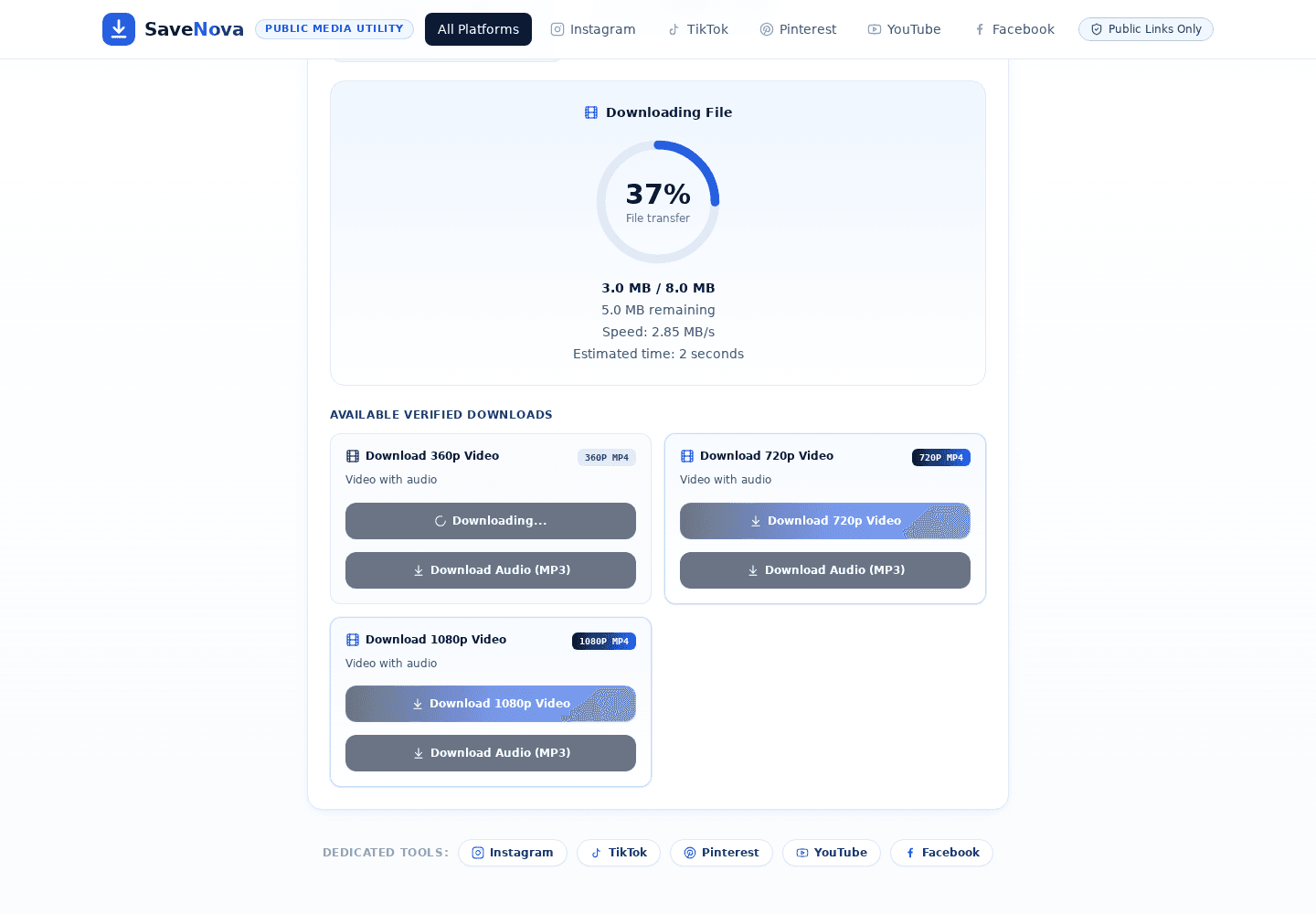
Some apparent failures are not failures at all. If a video Pin offers only an image, the Pin publishes only that image. If a YouTube page offers thumbnails but no video, YouTube declined the stream. If a photo post lists four images when you expected six, four are what the post exposes. The panel describes what was observed, and it is worth reading before assuming a step was skipped.
What not to do
- Do not paste the link dozens of times. Rate limits are per network and per route, and they count every attempt.
- Do not install a browser extension that promises a bypass. SaveNova needs no extension, and the ones that advertise access to private content are a security risk.
- Do not expect a private post to work with a different link shape. The restriction is on the platform’s side.
- Do not rename a WebM or an image to `.mp4`. The container is what it is; a wrong extension produces a file that will not play.
What a useful report contains
- The platform, for example Instagram or YouTube.
- The exact message shown, including the reference ID if one appears.
- The rough time of the attempt, with your time zone.
- Whether the options list appeared, and which button you pressed.
- What you already tried, so the reply does not repeat it.
You do not need to send the media link. The reference ID identifies the attempt on the server side, and leaving the URL out keeps the report free of third-party content.
How this guide was checked: written by the SaveNova team and reviewed on 1 November 2026 against the behaviour of the current build, including the limitations described above. It contains no invented test results or performance figures. If a step no longer matches what you see, report the guide and we will correct it.